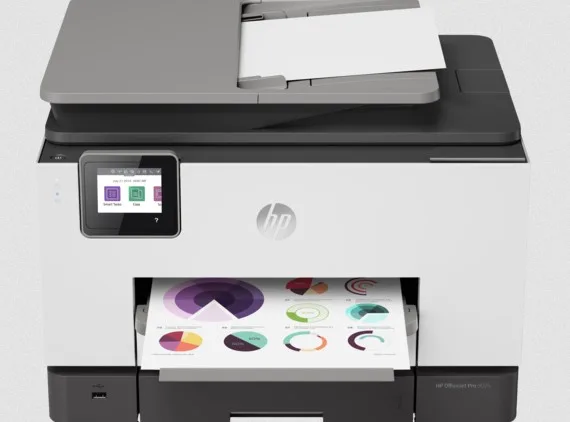
Wi-Fi Issues used as context for comparing a new printer

Recurring Printer Wi-Fi Problems? Compare New HP Printer Options

If connection problems keep disrupting printing, use the current environment to define what a newer HP printer should support before making the next purchase.

Wi-Fi Issues
Replacement Review
Printer Options
Product Guidance
Assisted Purchase
Need help choosing a better-fit next printer?Call for product guidance and assisted purchase support (Mon–Sat, 7AM–7PM EST).
+1 (877) 572-8322Mon–Sat · 7AM–7PM EST

Explore HP Printer Options

Compare nine HP printer directions around the workload, features and operating fit that should improve in your next device.

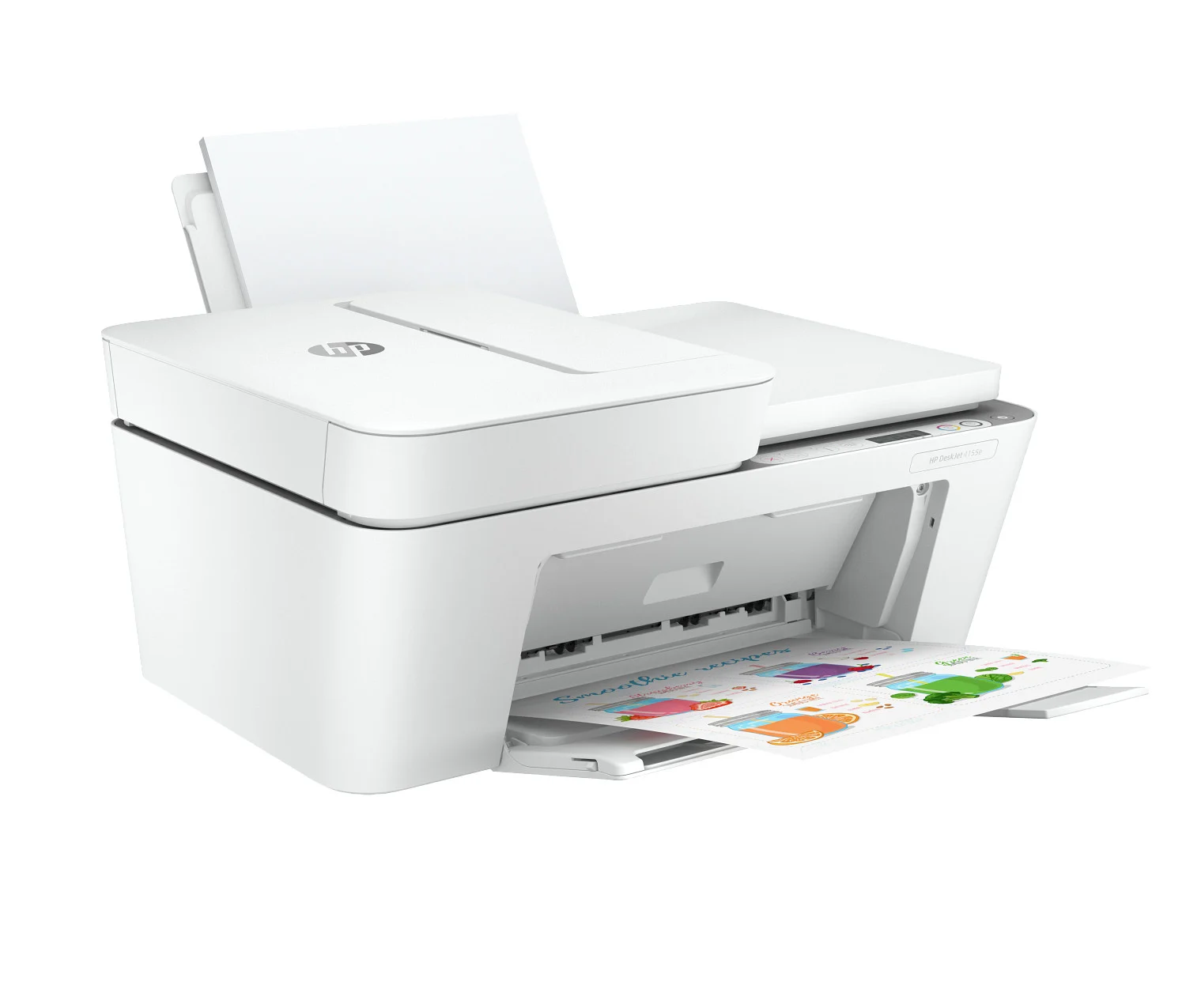
HP OfficeJet 4255e All-in-One

HP OfficeJet 4255e All-in-One

Best fit: home and light everyday printing
  • Print, scan and copy capabilities in one compact device
  • Wireless and mobile-printing options for everyday use
  • Automatic document feeder for multi-page tasks
  • A practical direction for lighter monthly print volume
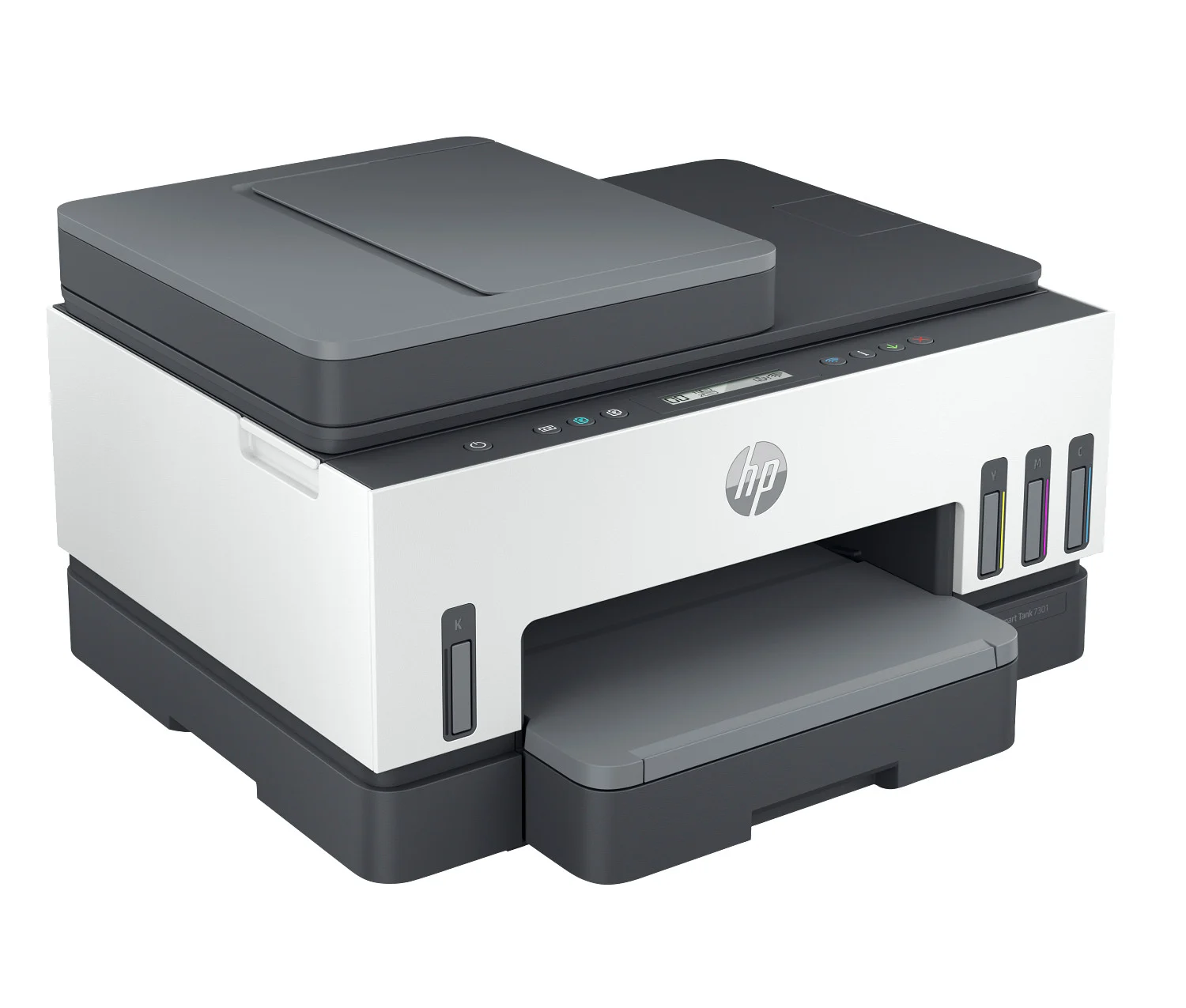
HP Smart Tank 7301

HP Smart Tank 7301

Best fit: frequent home and home-office color printing
  • Refillable ink-tank design for ongoing print efficiency
  • Color print, scan and copy workflows
  • Automatic two-sided printing and document feeding
  • Suited to families, schoolwork and regular home-office use
HP LaserJet Pro MFP

HP LaserJet Pro MFP

Best fit: dependable monochrome document workflows
  • Laser output for crisp, recurring business documents
  • Multifunction print, scan and copy direction
  • Automatic two-sided printing on supported configurations
  • A strong fit when speed and consistent text output matter
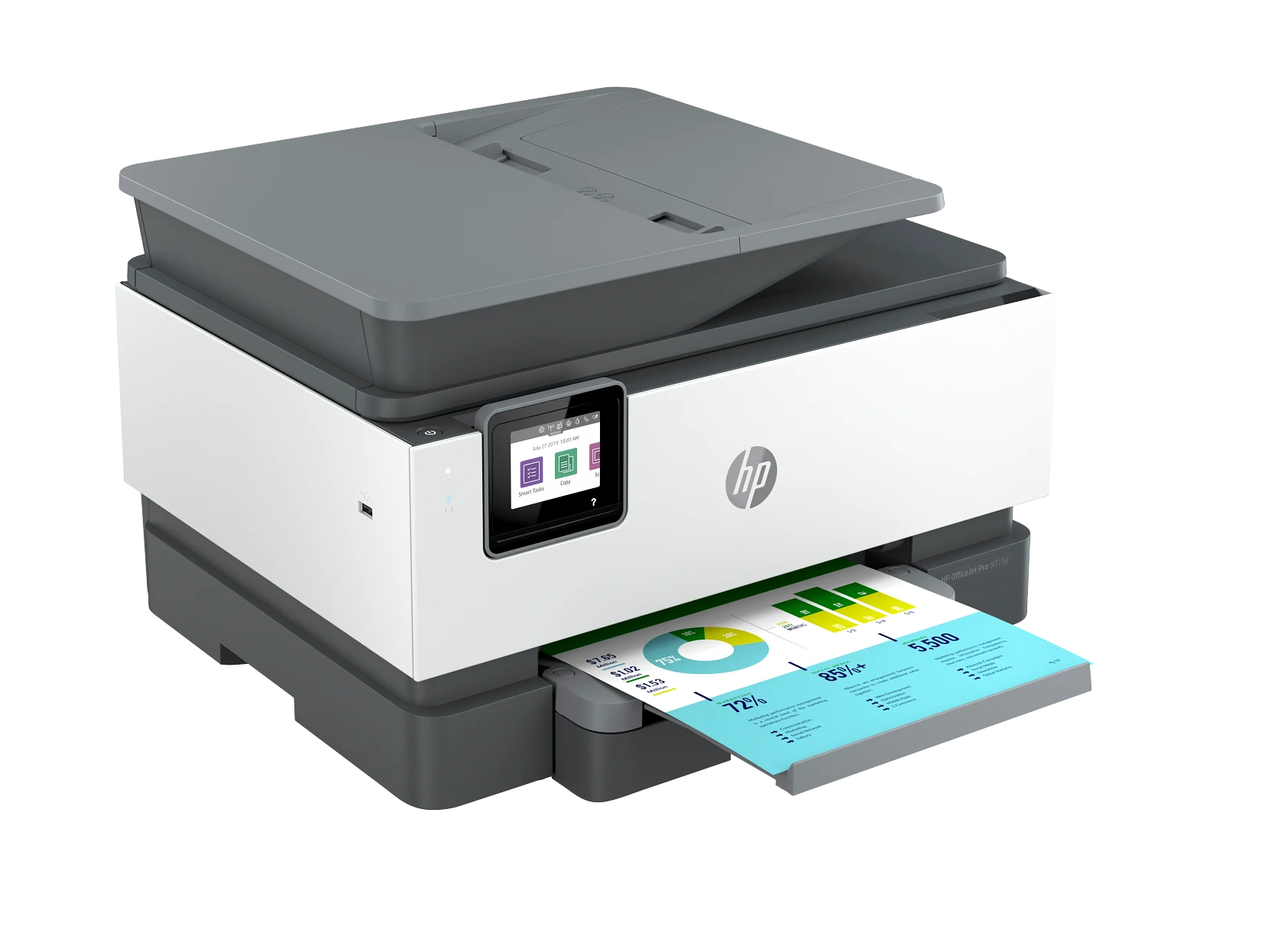
HP OfficeJet Pro 9015e

HP OfficeJet Pro 9015e

Best fit: productive home-office and small-office use
  • Business color printing with scan, copy and fax capability
  • Automatic two-sided printing and document handling
  • Wireless and network-ready workflow options
  • Balanced for mixed documents, forms and recurring office tasks
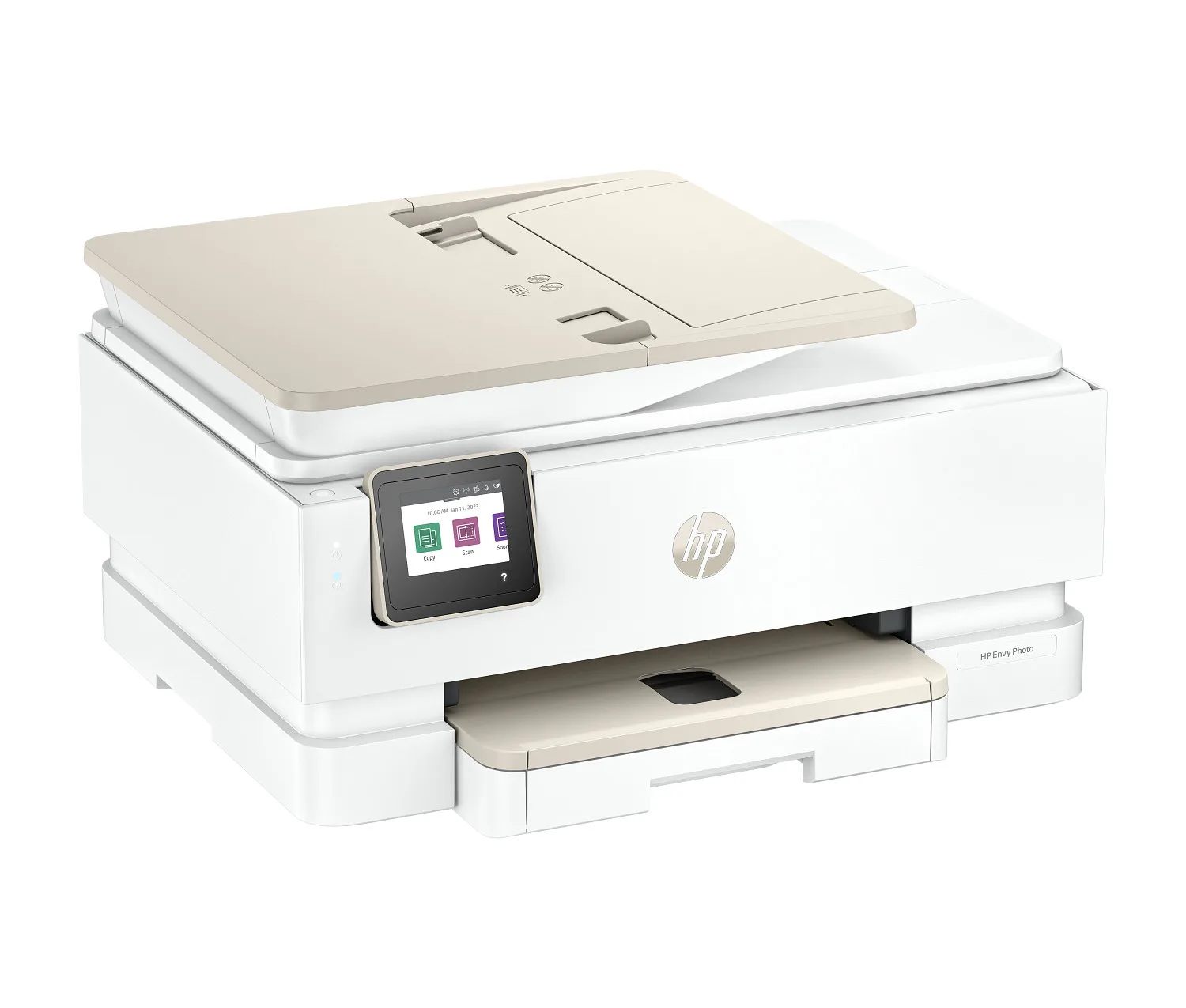
HP ENVY Inspire

HP ENVY Inspire

Best fit: home, family and creative color printing
  • Everyday color documents plus photo-friendly tasks
  • Print, scan and copy capabilities for shared home use
  • Automatic two-sided printing for convenient document work
  • Wireless printing from compatible computers and mobile devices
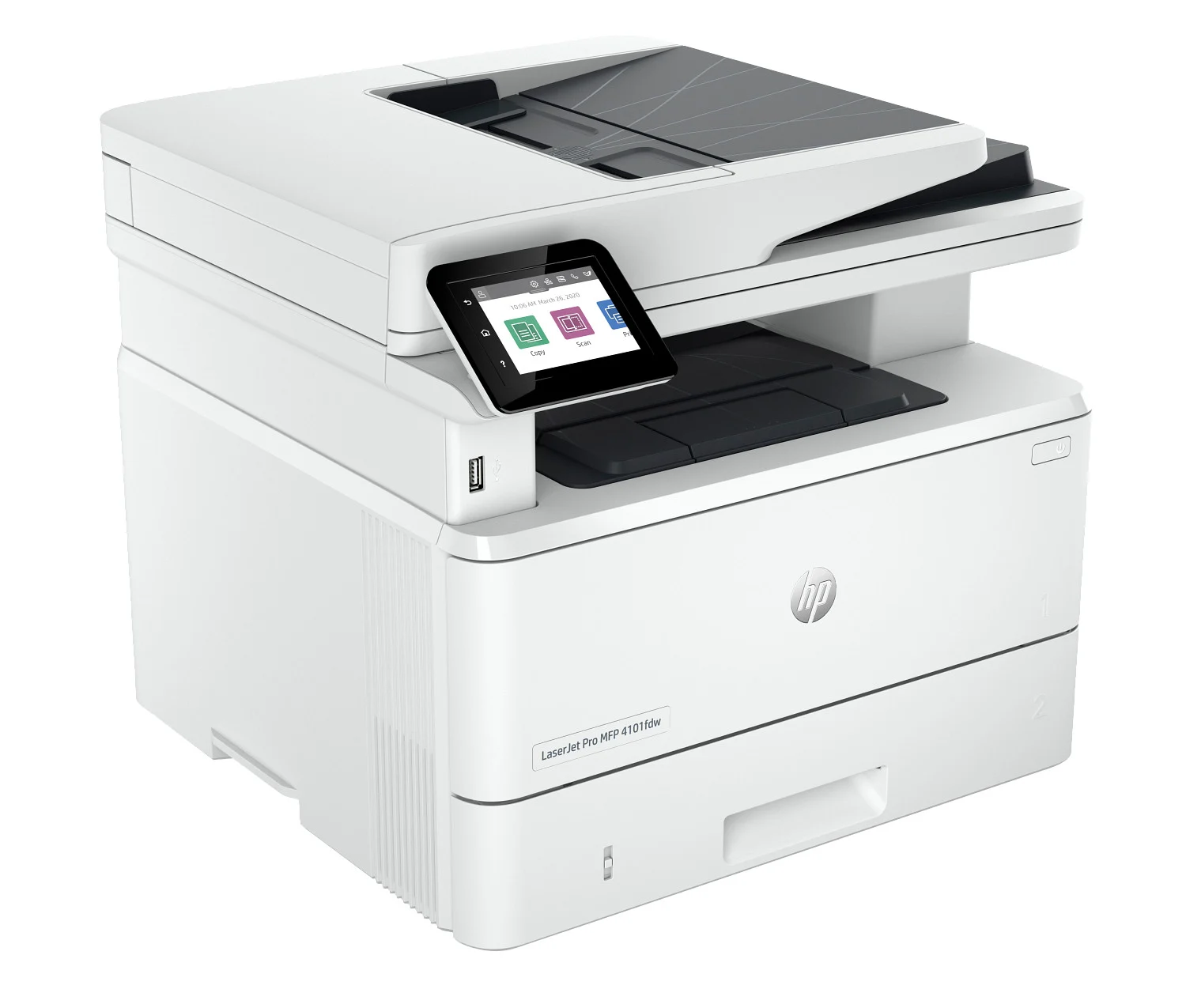
HP LaserJet Pro 4101

HP LaserJet Pro 4101

Best fit: higher-volume monochrome office printing
  • Fast black-and-white output for recurring business documents
  • Automatic two-sided printing for paper-efficient workflows
  • Network and shared-office direction for multiple users
  • Designed for teams that prioritize speed and reliability
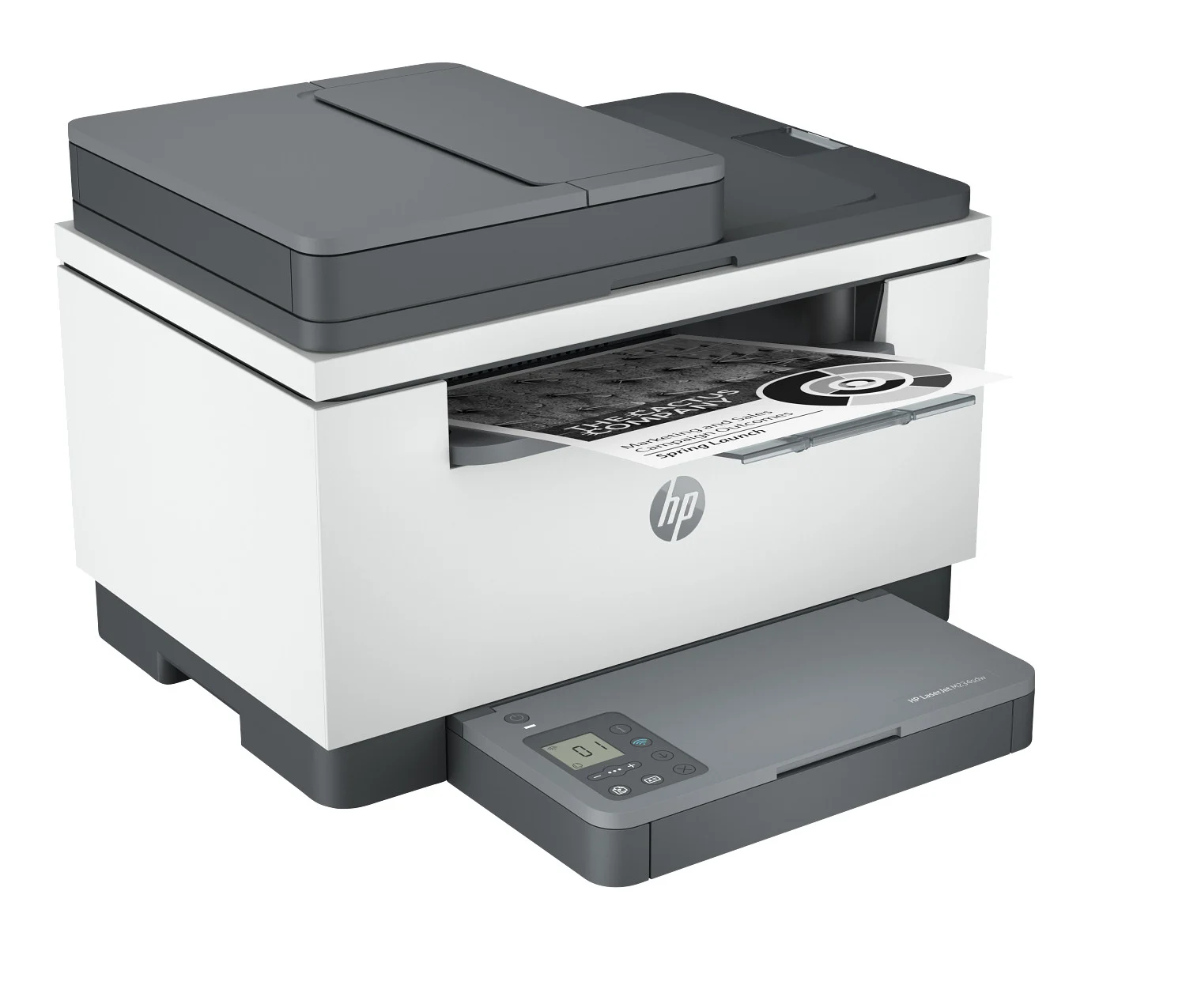
HP LaserJet MFP M234

HP LaserJet MFP M234

Best fit: compact home-office laser multifunction use
  • Monochrome print, scan and copy capabilities
  • Compact footprint for smaller work areas
  • Automatic two-sided printing for routine documents
  • Wireless workflow options for compatible devices
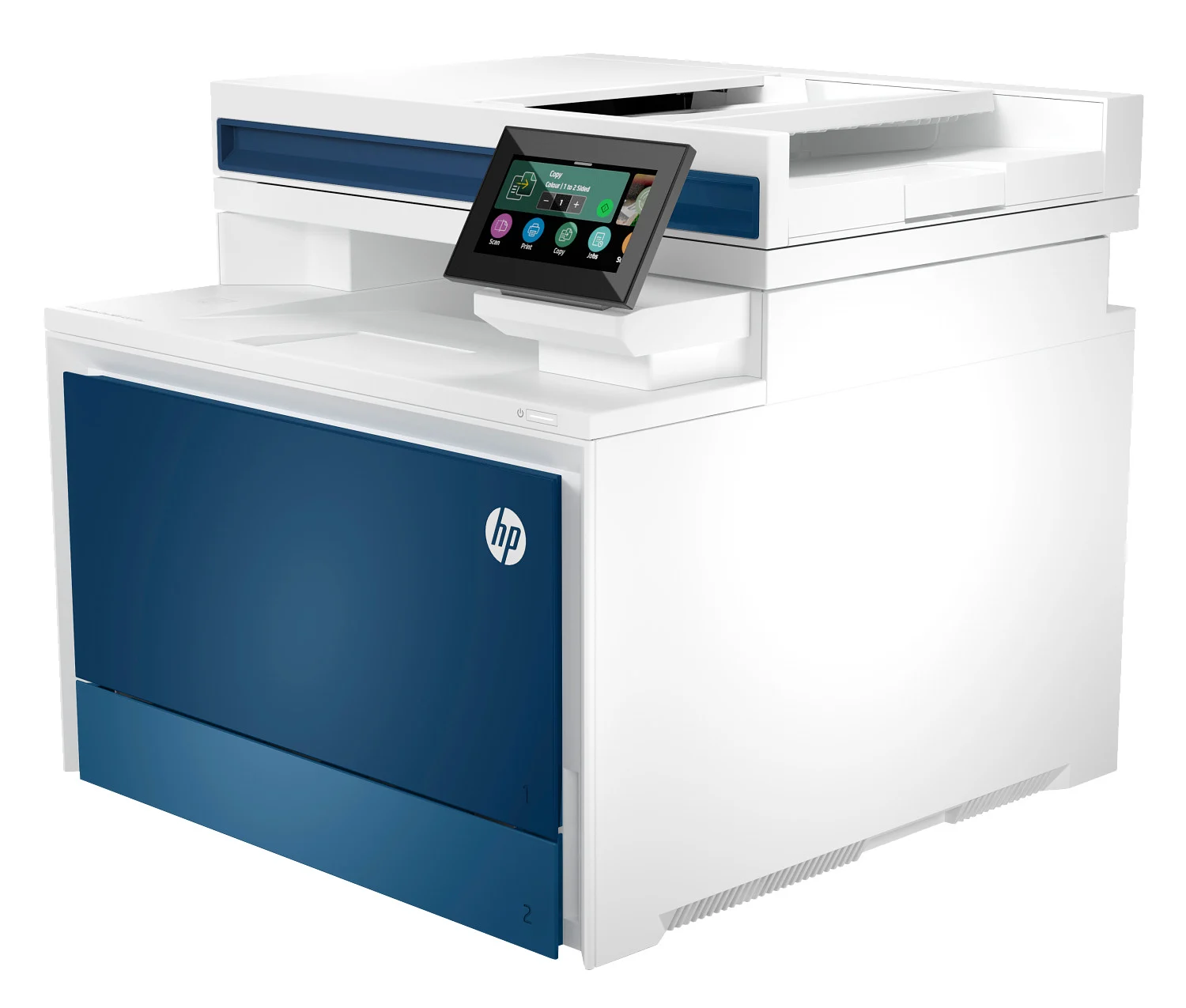
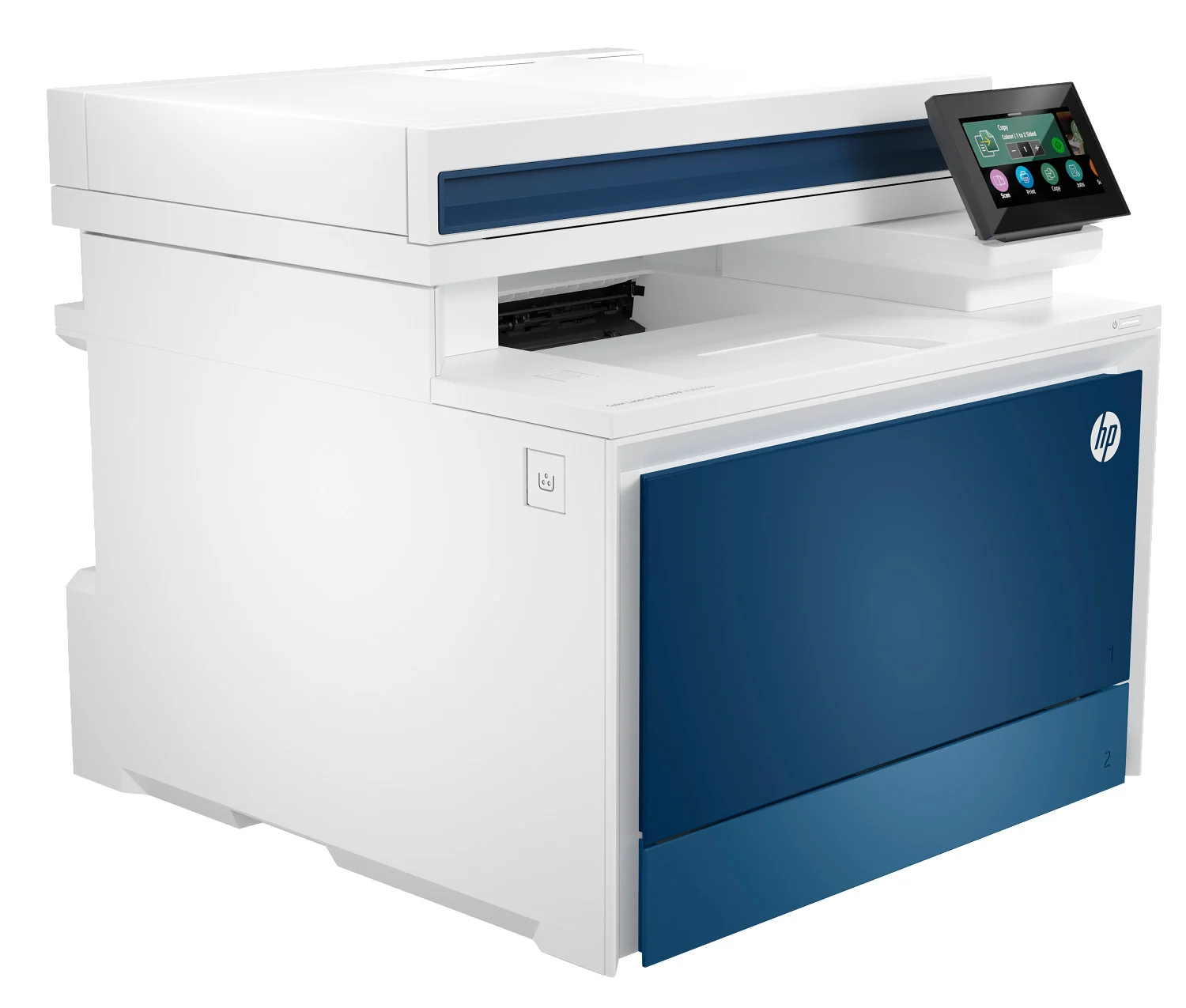
HP Color LaserJet Pro 4301

HP Color LaserJet Pro 4301

Best fit: fast color documents for small offices
  • Professional color laser output for business materials
  • Automatic two-sided printing for recurring document work
  • Network-ready direction for shared office environments
  • A strong fit when color speed and consistency are priorities
HP OfficeJet Pro 9025e

HP OfficeJet Pro 9025e

Best fit: busy home offices and multi-page workflows
  • Business color print, scan, copy and fax capabilities
  • Automatic document feeding for multi-page office tasks
  • Two-sided printing and scanning workflow support
  • Expanded paper handling for more frequent office printing

Representative HP product imagery is shown for comparison context. Exact model, configuration, specifications, pricing and availability are confirmed during the assisted-purchase conversation.

Turn connection frustration into clearer buying requirements

The goal is not remote diagnosis. The current connection problem helps identify the network, device and shared-workflow requirements that should matter in the next printer.

Different devices behave differently

Printing is inconsistent across computers, phones or shared users.

Reconnection is frequent

The printer repeatedly drops from the workflow and must be reintroduced.

The workspace has changed

A home office or shared office now has different connection expectations.

Interruptions affect productivity

Connection delays are becoming part of the operating cost of the current device.

Customer using a laptop in a connected workspace while comparing printer options

What the Next Printer Should Improve

Use the current issue to organize practical buying requirements before comparing models.

Network environment

Start with the router, wired or wireless setup and where the printer will be placed.

Device mix

Account for the computers and mobile devices that need to print.

Shared workflow

Consider user access, network sharing and administration requirements.

Dependable fit

Choose a printer category suited to the environment instead of buying only by headline specifications.

Choose the next printer around the way you actually work.

Recurring Wi-Fi and connection problems is useful buying context. It helps define what should improve in the next device without turning the page into a repair or technical-support service.

Home & occasional printing

Everyday documents, scanning, compact footprint and straightforward connectivity.

Home office & frequent printing

More frequent volume, stronger efficiency and dependable document workflows.

Shared office & business

Faster output, stronger paper handling and requirements for multiple users.

Scan + copy workflows

Automatic document feeding, copying, scanning and paper-size requirements.

Home-office customer comparing printer requirements on a laptopCustomer reviewing assisted-purchase options from home

From Printer Problem to a Better-Informed Buying Decision

01

Describe what is happening

Share the recurring issue and how it affects the current workflow.

02

Define what should improve

Identify the workload, capabilities and operating expectations that matter next.

03

Compare suitable HP products

Review eligible new HP printer options with a product specialist.

04

Review price and availability

Confirm the exact product and assisted-purchase details before deciding.

Clear business identity

Know Who You Are Speaking With Before You Purchase

ePrinterShoppe is independently operated by Lynx Technologies LLC and is an HP Authorized Partner. We are not HP Inc. or HP corporate support.

HP Authorized PartnerIndependent partner relationship presented clearly.
Lynx Technologies LLCLegal entity and operator of ePrinterShoppe.com.
Human Product ConversationPhone or live chat for selection and assisted purchase.
Commercial ClarityPricing and availability reviewed before purchase.
Common questions

Before You Start the Conversation

Are you HP Inc. or HP corporate support?

No. ePrinterShoppe is independently owned and operated by Lynx Technologies LLC and is an HP Authorized Partner. We are not HP Inc. or HP corporate support.

Can you repair or remotely troubleshoot my current printer?

No. We do not provide repair, remote access or standalone technical support. The current issue may be discussed only as context for a possible new-product purchase.

Does this issue automatically mean I need a new printer?

No. Replacement becomes relevant when interruptions are recurring, important capabilities are missing, the workload has changed or the device no longer fits operating expectations.

Can I explain what is happening with my current printer?

Yes. That context helps identify what the next printer should do differently. The conversation remains focused on product selection and assisted purchasing.

Do I need to know the exact HP printer I want?

No. Start with the environment, approximate print volume, color needs, scanning or copying requirements, connectivity and budget range.

Are the printers discussed brand new?

We discuss eligible new HP printers. The exact model, configuration, price and availability are confirmed before you decide to purchase.

Can a product specialist compare pricing and availability?

Yes. Suitable options, current availability and applicable pricing can be reviewed before a quote or invoice is prepared.

How is the purchase completed?

After requirements are narrowed, product, pricing, availability and transaction details are reviewed through the assisted-purchase process by phone or live chat.

Ready to compare?

Turn the Current Printer Issue Into a Clearer Replacement Decision

Start with what is happening now. We will use that context to organize the next-product comparison.

Independent Business Disclosure

ePrinterShoppe is independently owned and operated by Lynx Technologies LLC and is an HP Authorized Partner. We are not HP Inc. or HP corporate support. We do not provide repair, remote access or standalone technical support. This page is for comparing eligible new HP products and completing an assisted purchase.